Notes
Headings, lists, tables, pictures and links, with a short summary on top so you find it fast.
A notebook for everything
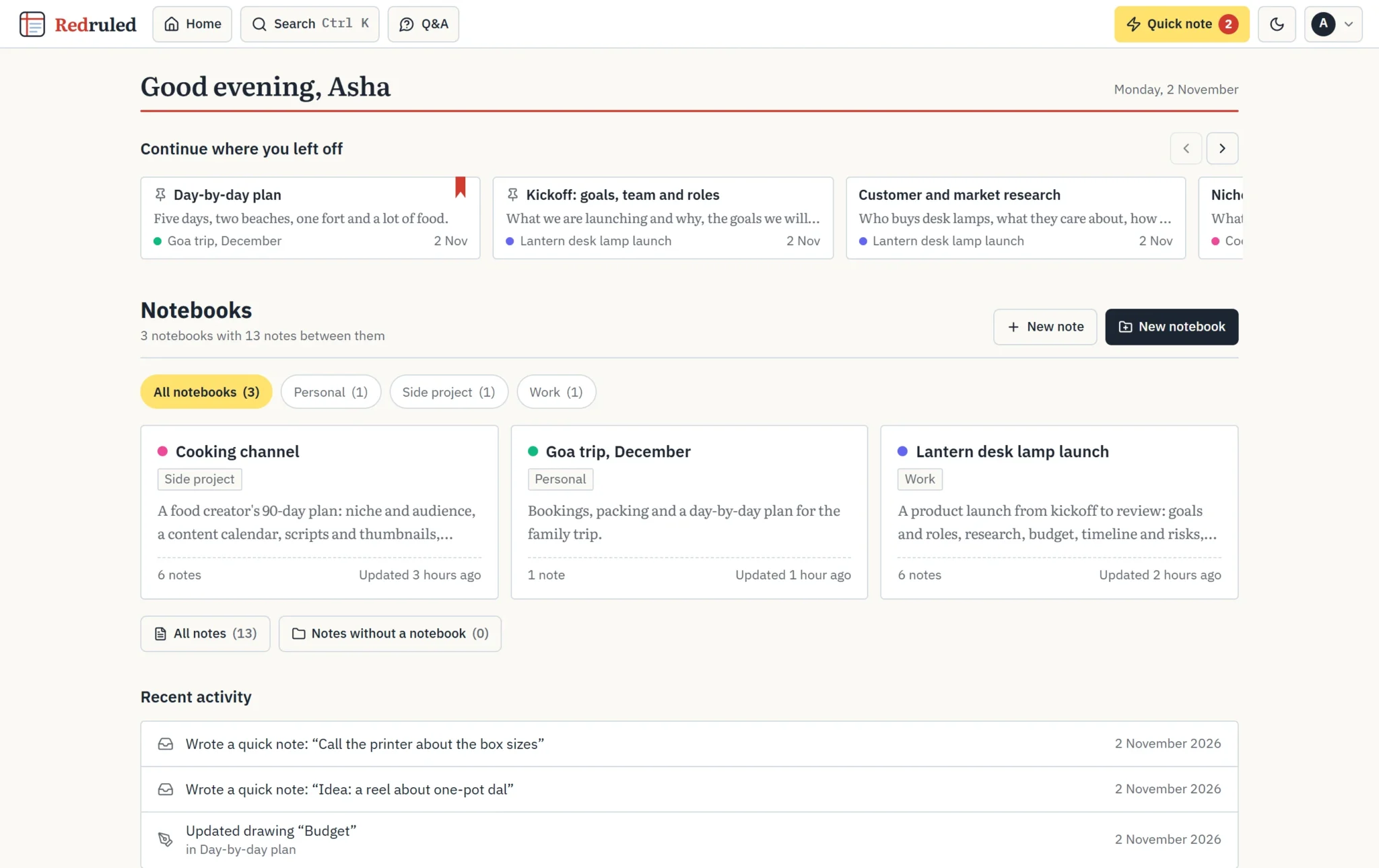
Typed notes, drawings, checklists, files and questions on one notebook page. Connect your AI app and ask it to sum up a notebook, turn an email into a note with a checklist, or draw a flowchart for you.
Free plan for ever. Plus and Pro free for your first 2 months. No card needed.
AI apps
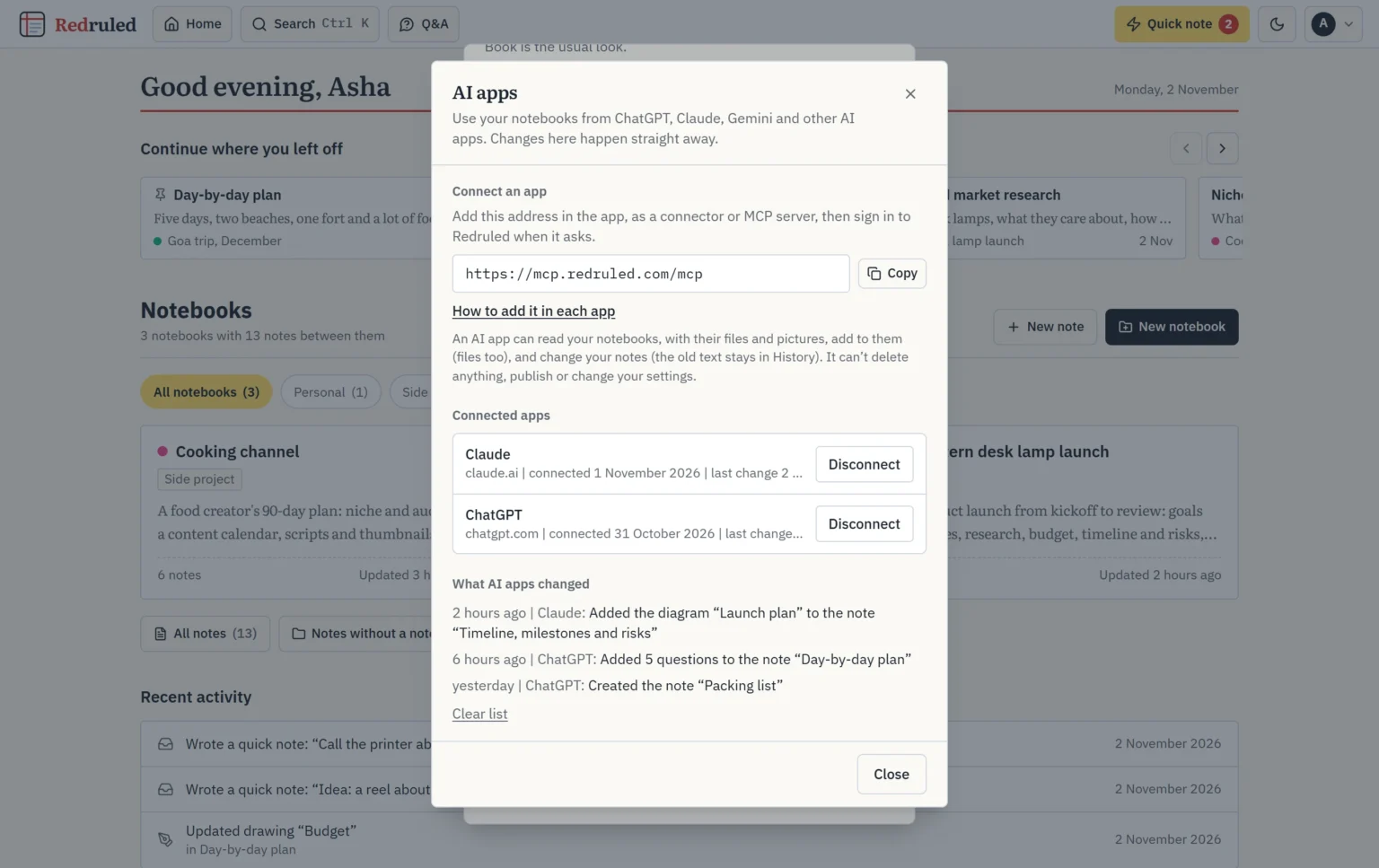
Connect ChatGPT, Claude or Gemini in about a minute. Then just ask: it finds what you wrote, sums up a notebook, writes new notes, adds checklists and questions, and draws flowcharts, mind maps and timelines.
Everything about one thing stays together, so you never hunt through apps and paper again.
1
Type your notes with headings, lists, tables and pictures. Add a checklist for what is left to do.
2
Sketch, highlight, add shapes, charts and tables right inside the note. Use a page or an endless board.
3
Connect ChatGPT, Claude or Gemini. Ask it to find, sum up, write or draw. It can never delete anything.
Simple tools with plain names, for anyone from 12 to 60.
Headings, lists, tables, pictures and links, with a short summary on top so you find it fast.
Pen, highlighter and shapes, plus flowcharts, mind maps and timelines, drawn by you or by your AI.
Every note can have its own checklist. Tick things off as you go.
Add questions to a note, or ask your AI to write them, then go through them one card at a time to check what you remember.
Keep PDFs, pictures and documents with the note they belong to.
Catch an idea in seconds, then put it in the right notebook later.
Find any note by its words or tags, in English, Hindi or any other language.
Add it to your home screen. The same notebook on every screen.
Sharing
Share a notebook or a note with the people you choose. They can read it, comment, edit, add files and draw. You decide what each person can do.
Flights are booked. We still need to confirm the hotel by Friday.
Note checklist
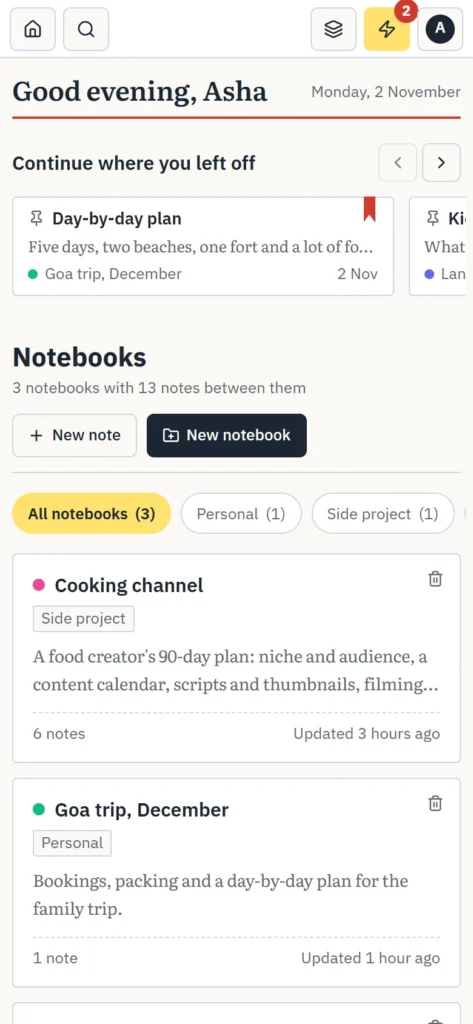
Work projects, family plans, a side project or class notes. Each gets its own notebook.
Plan a launch: goals, research, a timeline chart and a budget, all in one notebook.
See howPlan a trip day by day, with a packing checklist and a budget chart.
See howKeep video ideas, scripts and thumbnail sketches together, with a posting plan.
See howClass notes with diagrams, and questions to check what you remember.
See howPlus and Pro free for 2 months
Every new account gets Plus and Pro free for its first 2 months, with no card. After that, stay on the Free plan or pick Plus or Pro. See the plans
There is a Free plan for ever, and Plus and Pro from ₹99$2.99 a month. Every new account gets Plus and Pro free for its first 2 months, with no card needed. See the plans.
Only you, unless you share a notebook or a note with people you choose, or publish one for anyone with its link. There are no ads and no trackers.
Yes. On Plus and Pro you can share a notebook or a note with the people you choose, decide what each person can do, and work on it together.
Yes. Open app.redruled.com in your phone's browser and add it to your home screen. It then opens like any other app.
No. A connected AI app can read, add and edit, but it can never delete anything. When it changes a note, the old text stays in that note's history.
Sign up with your email or with Google, then connect your AI app. It takes about a minute, and your first 2 months of Plus and Pro are free.